Clawdbot and the next wave of personal AI assistants
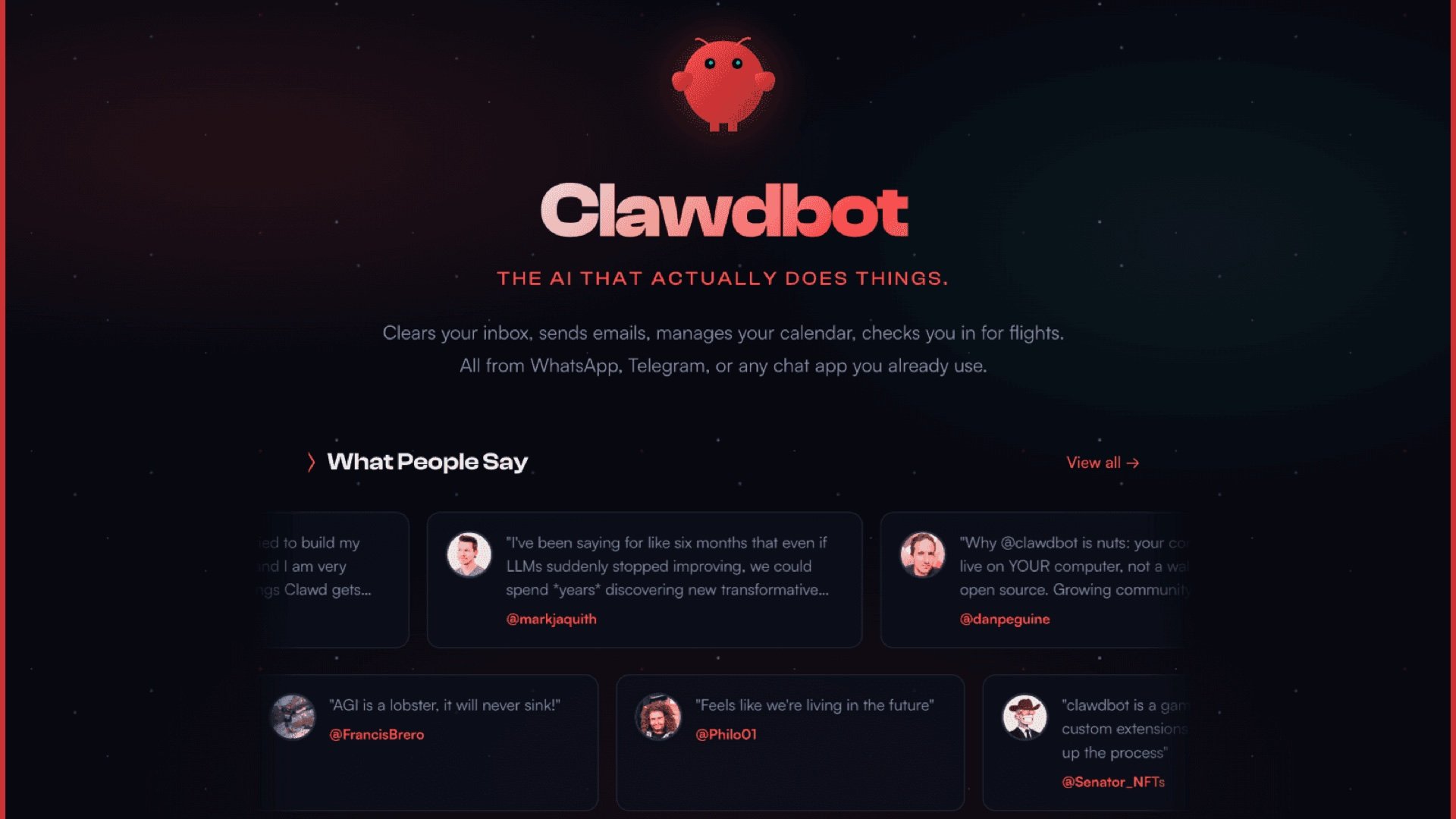
Image from moltbot (via framerusercontent.com)
If you’ve been anywhere near the internet recently, you’ll have seen the hype about Clawdbot.
Worth noting: Clawd has been renamed to Molty.
Update: Clawd is now OpenClaw.
It’s not really anything to do with Claude Code or Anthropic.
It’s an open-source “personal AI assistant” that can post on your behalf, and connect into your tools using APIs / MCP connections — email, calendar, drives, whatever you point it at.
And honestly, it feels like a preview of what’s coming.
This is going to be normal
I think Apple, Google, Microsoft… they’ll all roll out much more advanced, integrated versions of their assistants very soon.
Within a couple of years, the question won’t be “are you using one?”
It’ll be “which one are you using?”
The privacy split
If you care about privacy and data sharing, you’ll probably end up using something like Clawdbot (or a similar self-hosted option).
If you’re not fussed, you’ll use the Apple / Google / Microsoft version that comes with your ecosystem.
Either way, this category is going mainstream.
The hype cycle mistake (and the real risk)
There’s been a funny niche thing online where people are proudly buying a brand new Mac mini to run it.
Which is… mostly pointless.
You can run the service locally, but the large language model processing still happens in the cloud.
The bigger issue is the other trend: people spinning it up on a VPS because it sounds convenient.
That can be a sensible setup, but there’s a massive privacy and security risk if you just blindly install it on bare metal in the cloud and don’t harden anything.
If you don’t know what you’re doing, you can accidentally build a very expensive, very helpful way to leak your data.
How I’m running it (for now)
I’ve set it up locally on a server, running in a container on Proxmox.
And I’ve locked it down at the hypervisor level so it can’t access anything on my local network.
As far as I’m aware, all it can access is the internet.
That’s where I’ll start experimenting.
How I’m not using it
I’m not going to connect it to my emails and calendar and try to have it “be me”.
That’s where most people will default.
Everyone’s going to try and replace themselves.
It sounds clever in the short term, but in the long term it’s a great way to help the world replace people.
What I actually want from it
What I’m interested in is using it for long, manual tasks with multiple steps — the kind of stuff that’s painful to do by hand, but also awkward to build static automations for using workflow tools.
It requires judgement. Some thinking. And that’s the point.
I’m playing with it for now, but I don’t think this is a fad you can ignore.
The workplace shift (and the uncomfortable bit)
My prediction is the workplace will move this way quickly.
You’ll be expected to have an assistant, or you’ll be assigned one.
Output will go up. The speed and volume of work will go up.
Which means the real requirement becomes: can you keep quality high while moving faster?
Attention to detail still matters.
There’s no shortcut around that.
A blunt warning
If you have no idea what I’m talking about when it comes to privacy and security risk, do not connect this up to personal accounts — and especially not business accounts.
Even “I’m running it locally in the cloud” is a hard no.
If you’re interested in setting it up and you’re struggling (or you want a sane, safe approach), give me a shout and I’ll point you in the right direction.